v0.6.0 is out

Capture. Upload.
Share in a tap.

XerahS is a ShareX-style uploader for Android. Pick a screenshot or any other file, mark it up if you want, and the link is on your clipboard before you've switched apps.

Android 8.0+Free and open sourceNo account needed

Sends files to

Imgur Amazon S3 Cloudflare R2 MinIO Nextcloud Immich GitHub Gist FTP and FTPS SFTP ShareX custom uploaders Your phone
How it works

Four steps, and you'll
skip most of them.

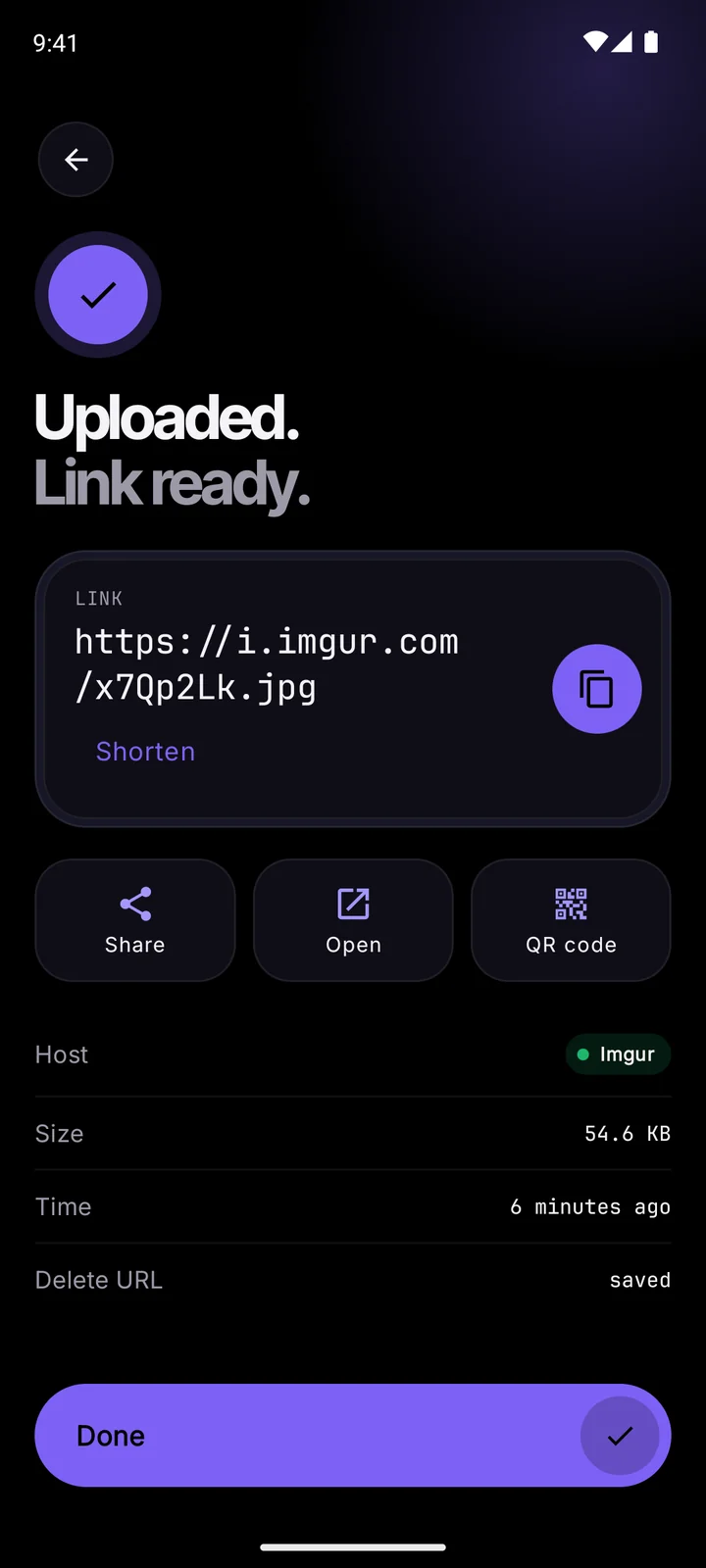
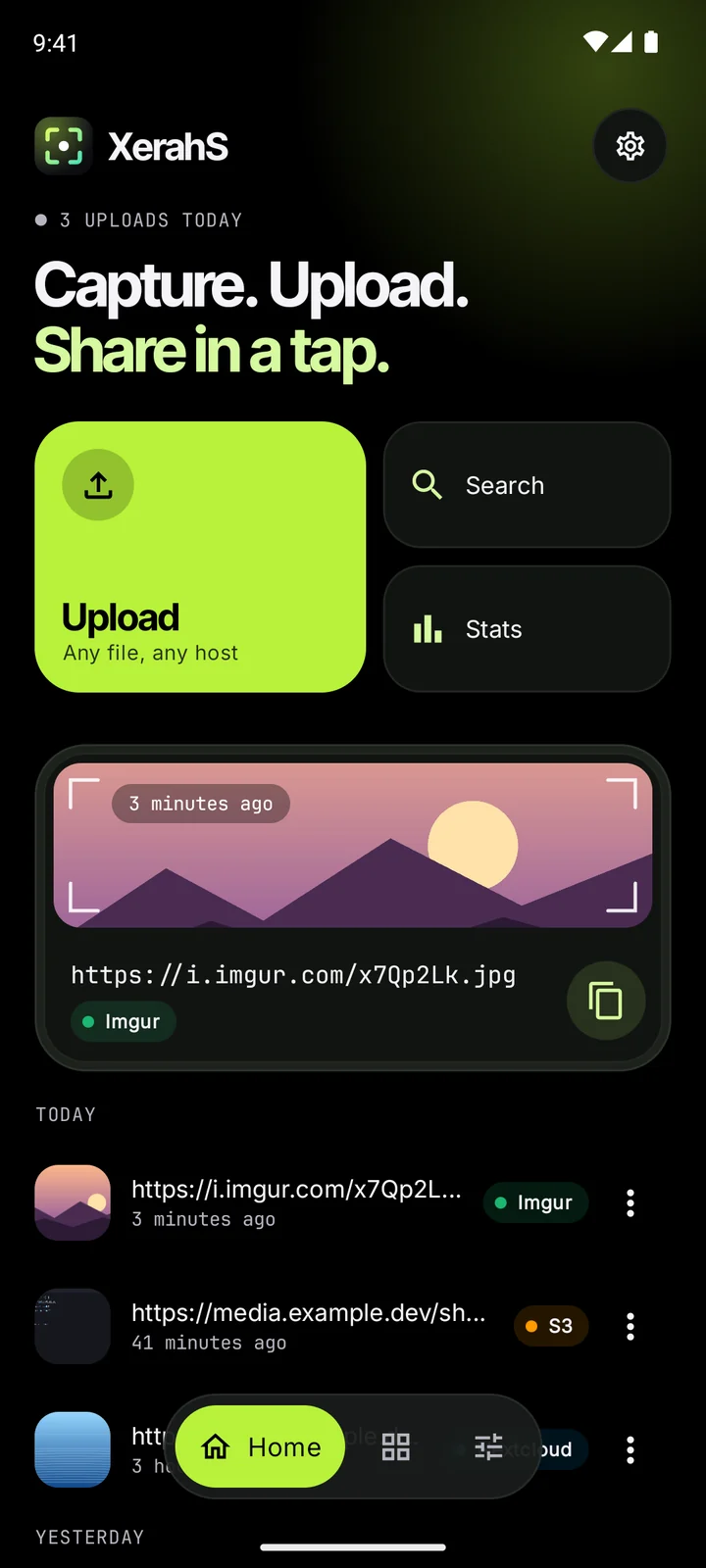
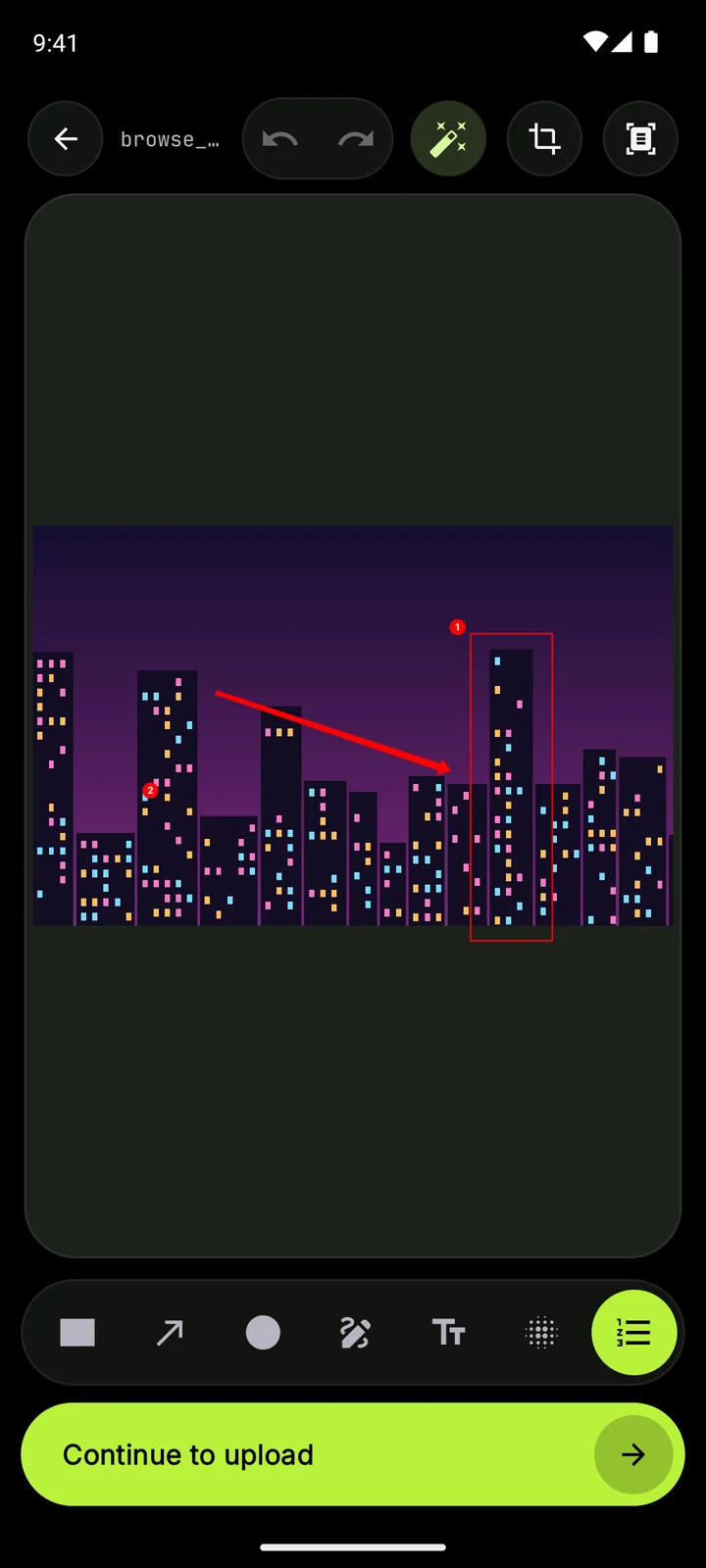
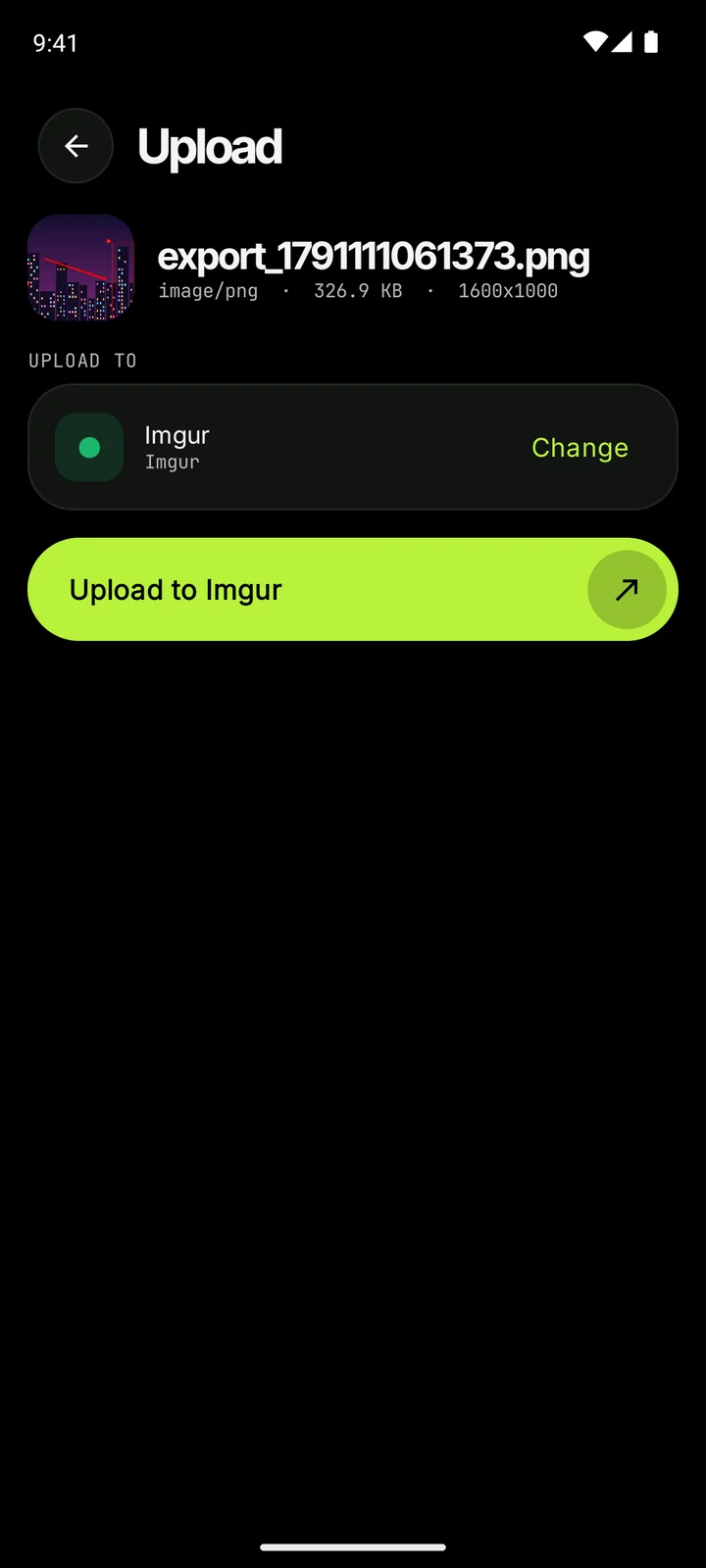
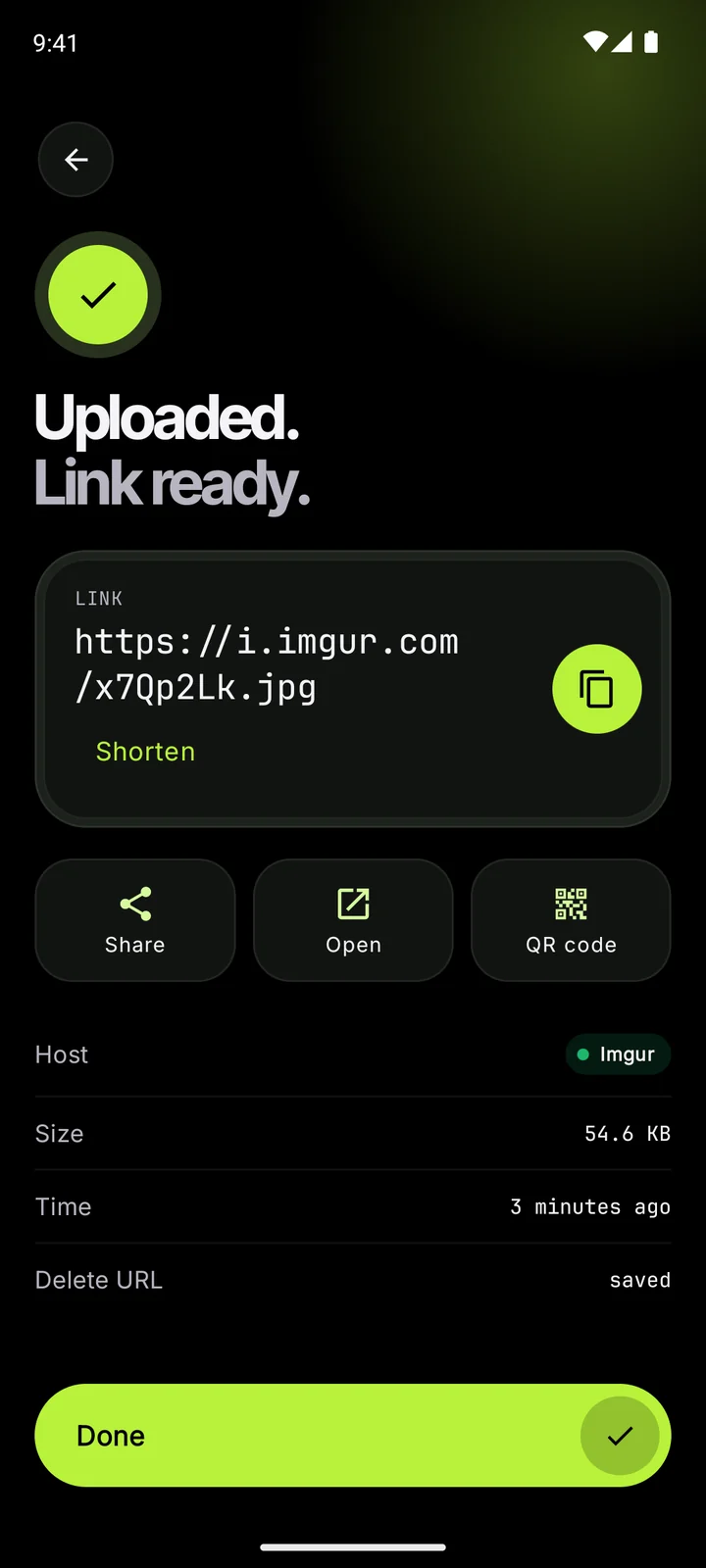
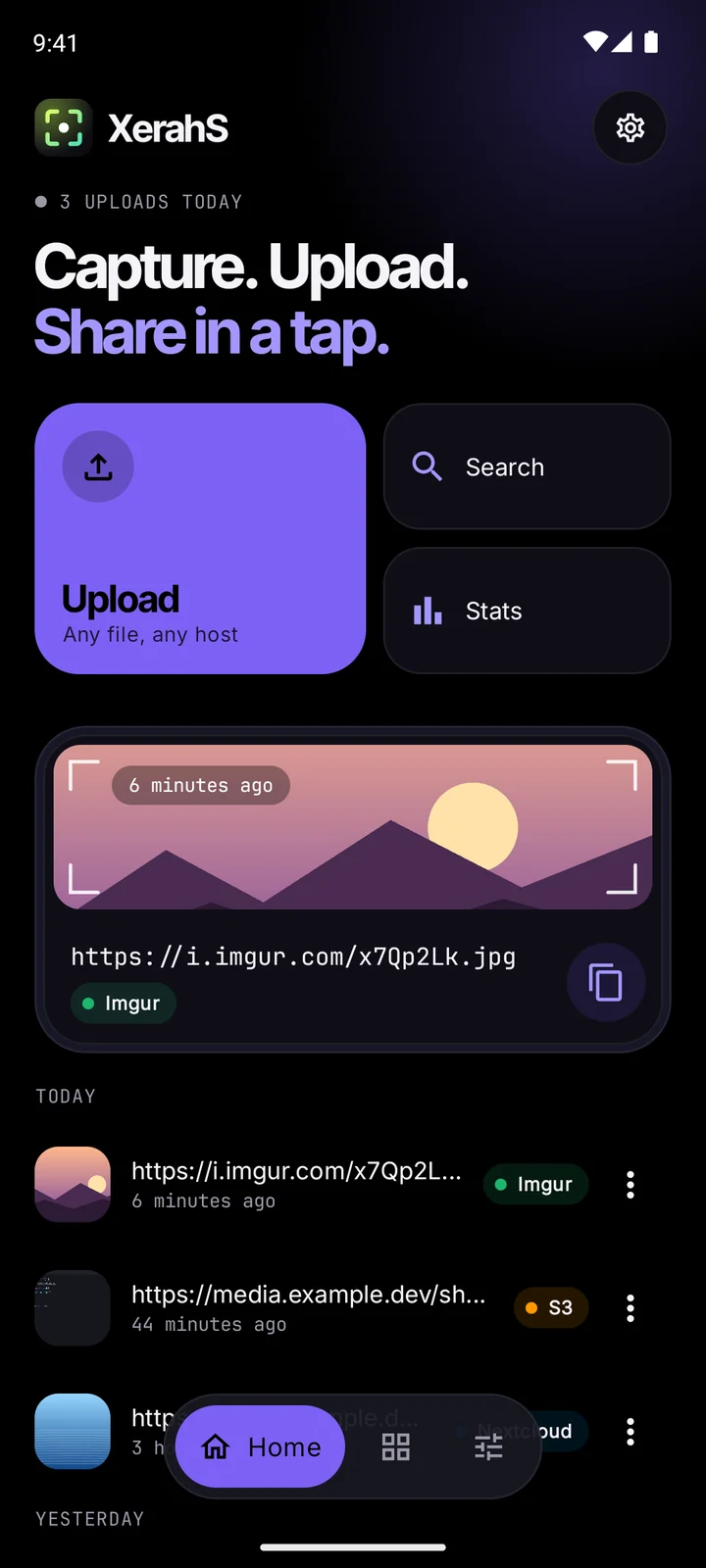
XerahS home screen with recent uploads The editor with a box, an arrow and numbered steps on a photo Upload screen with Imgur picked as the destination Finished upload with the link, share and QR code buttons
  1. 01

    Pick anything

    Images, PDFs, videos, whatever is on your phone. Share a file into XerahS from another app, tap the Quick Settings tile, or open the app and choose from your gallery.

  2. 02

    Mark it up

    Twelve tools: boxes, arrows, numbered steps, text, a magnifier, and blur or pixelate for the parts nobody else needs to see. Crop it, add a border or shadow, or pull the text out with on-device OCR.

  3. 03

    Send it where you want

    Imgur for the quick ones, your own bucket or Nextcloud for the rest. Each destination keeps its own settings, and profiles let you switch between them with one tap.

  4. 04

    The link is already copied

    By the time the upload finishes, the link is on your clipboard. Share it, open it, show it as a QR code, or shorten it first.

Features

Built for people who
share a lot of screenshots.

Your ShareX uploaders work here

Import a .sxcu file from the desktop and it runs on your phone, including {json:}, {regex:}, {xml:} and input prompts. Encrypted .xsdc configs from XerahS import too.

"Name": "XBackBone",
"RequestURL": "https://img.example.dev/upload",
"FileFormName": "upload",
"URL": "{json:url}",
"DeletionURL": "{json:delete}"
History you can search

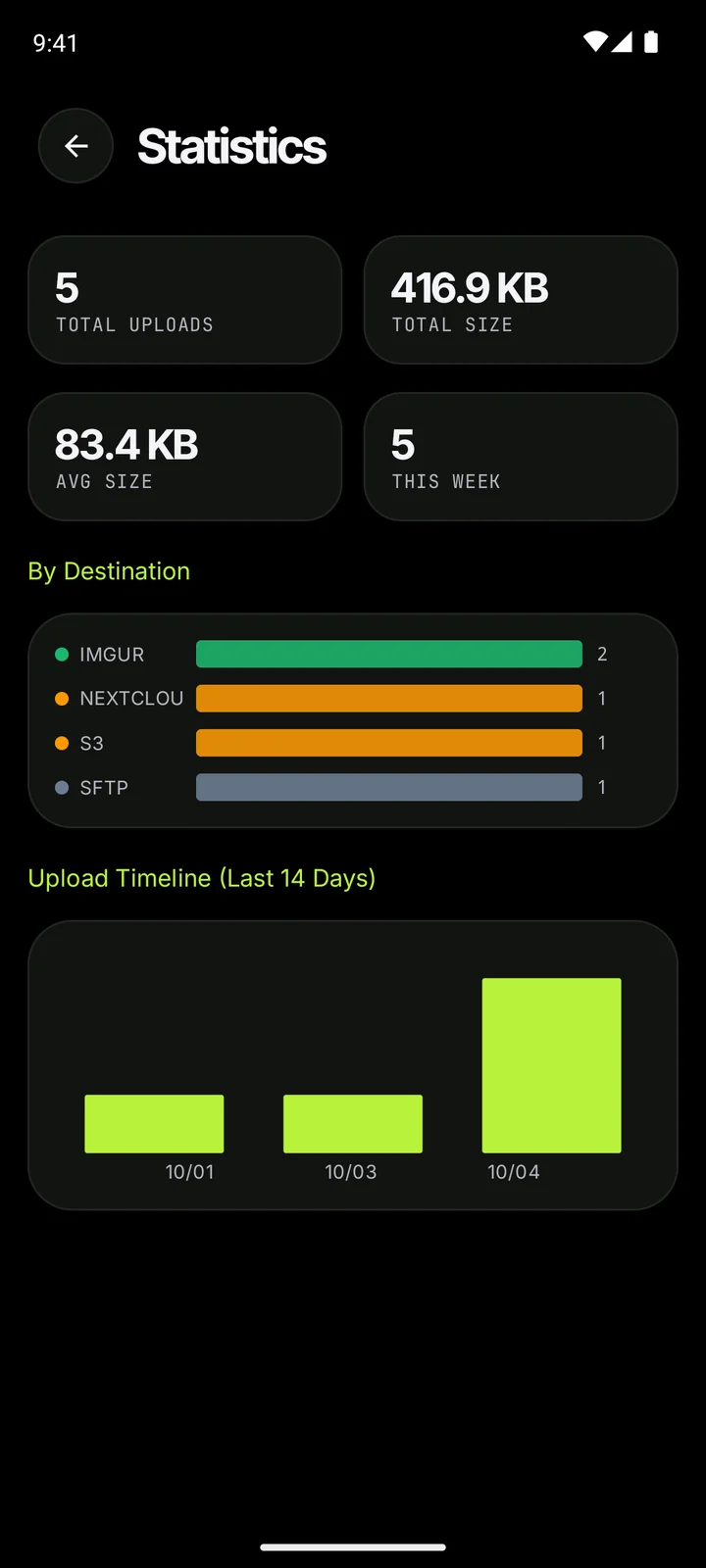
Every upload keeps its link, host and thumbnail. Sort them into albums and tags, and delete a file from the host when you're done with it.

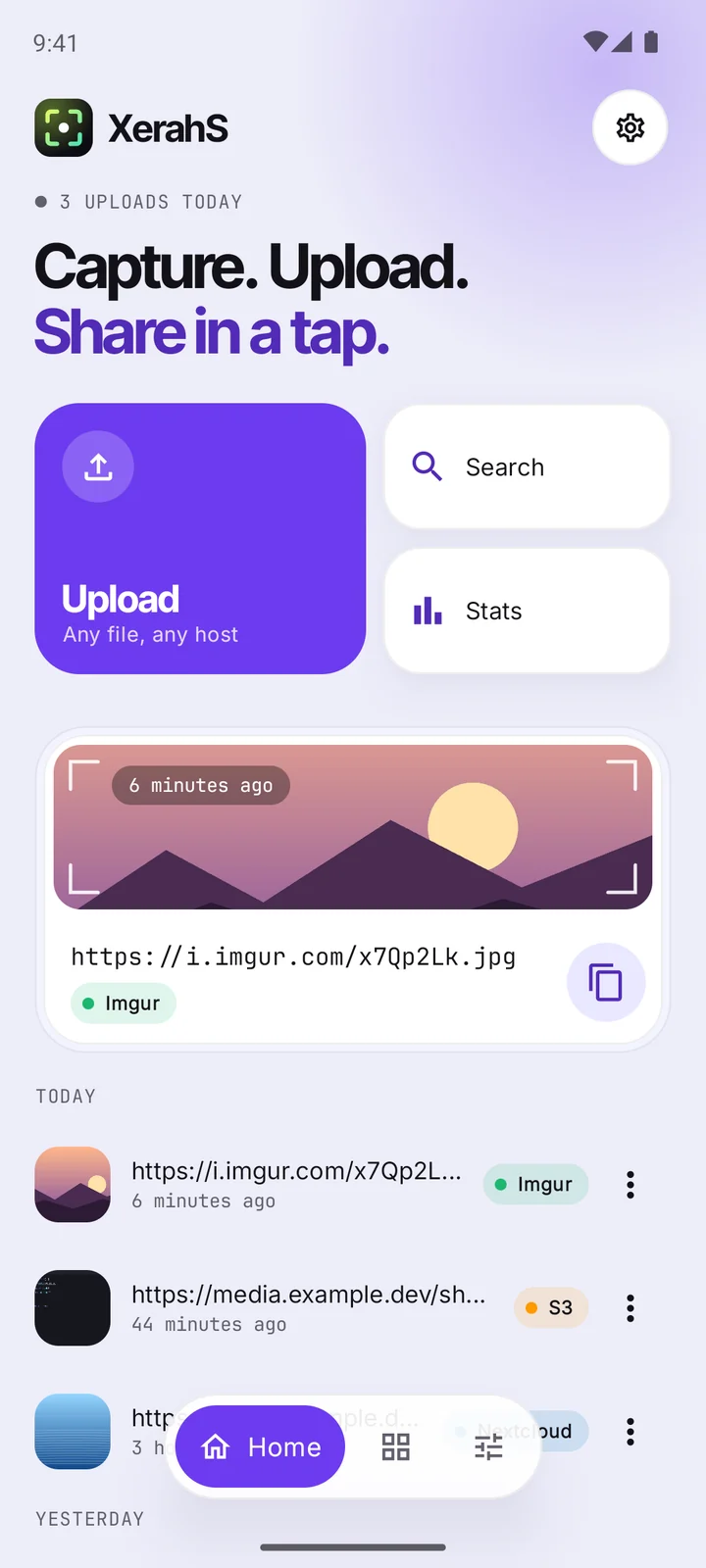
Upload history in the violet theme

Browse your bucket

The S3 explorer lists, searches, renames and downloads your files. GIFs animate and videos play right in the preview.

It notices repeats

Upload the same image twice and XerahS offers the link you already have, based on a SHA-256 check of the file.

Your keys stay on the phone

Passwords and API keys live in Android's encrypted storage. Backups are locked with a passphrase you pick, and you can put the whole app behind your fingerprint.

A few tools for the rest

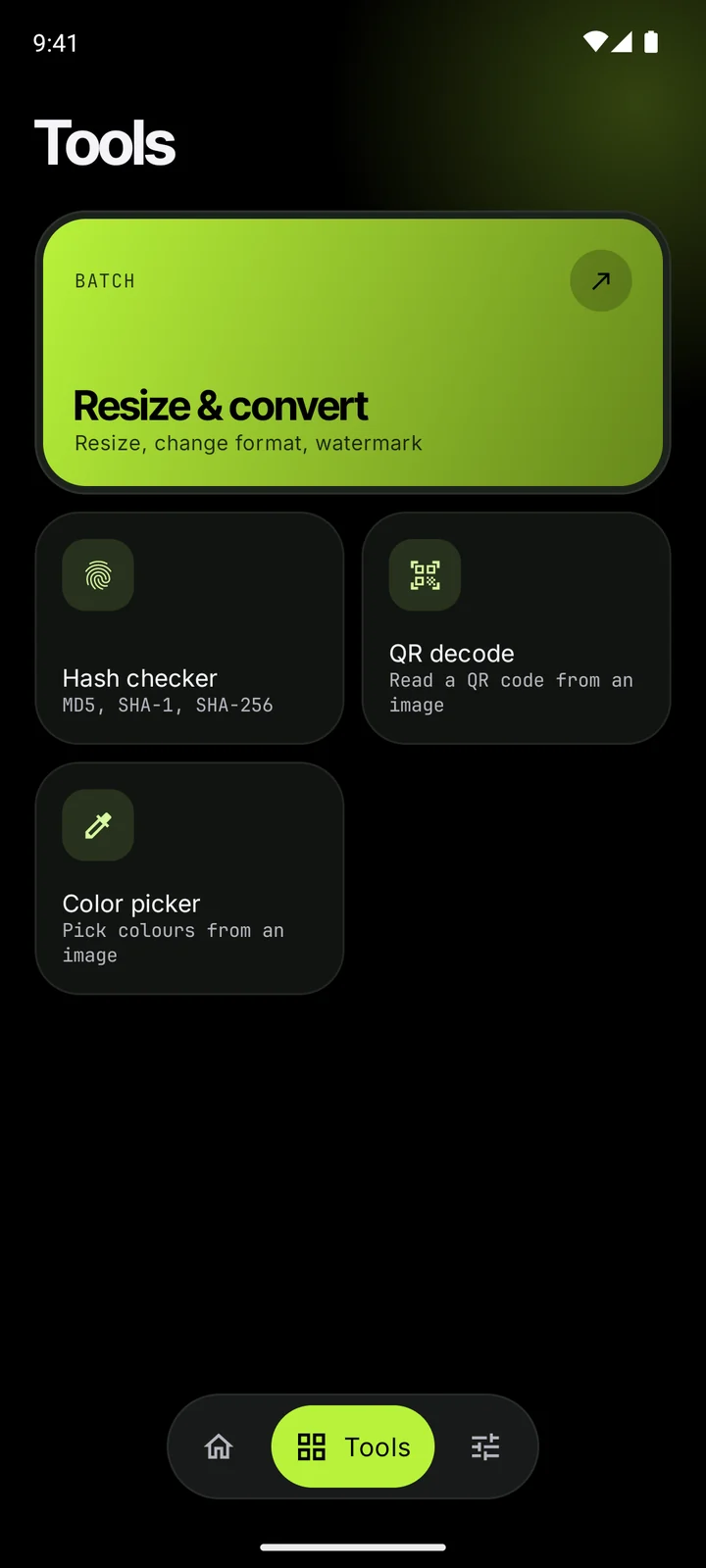
Resize or convert a stack of images at once and add a watermark on the way. Read a QR code from a picture, check a file's hash, or grab a color.

The Tools screen
Themes

Seven accents,
or your wallpaper's.

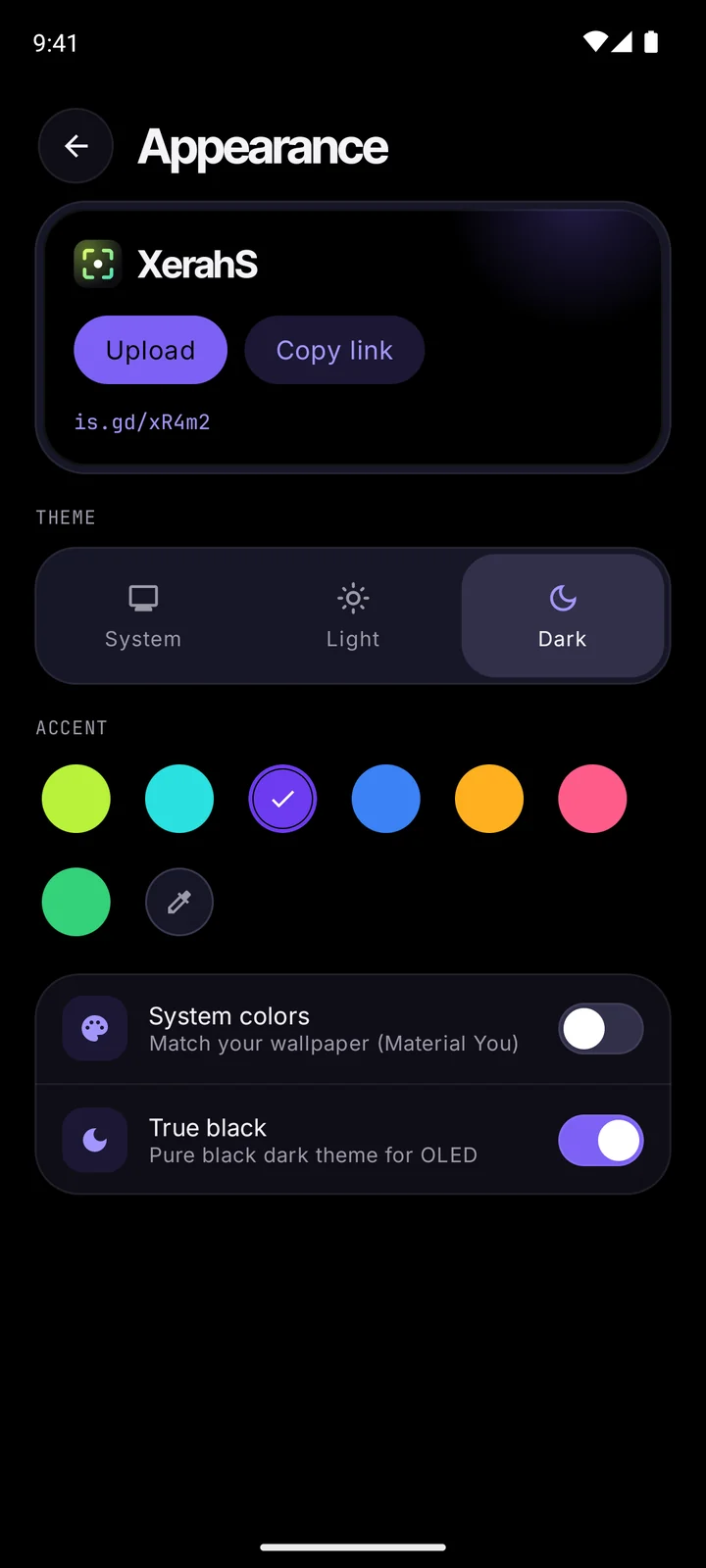
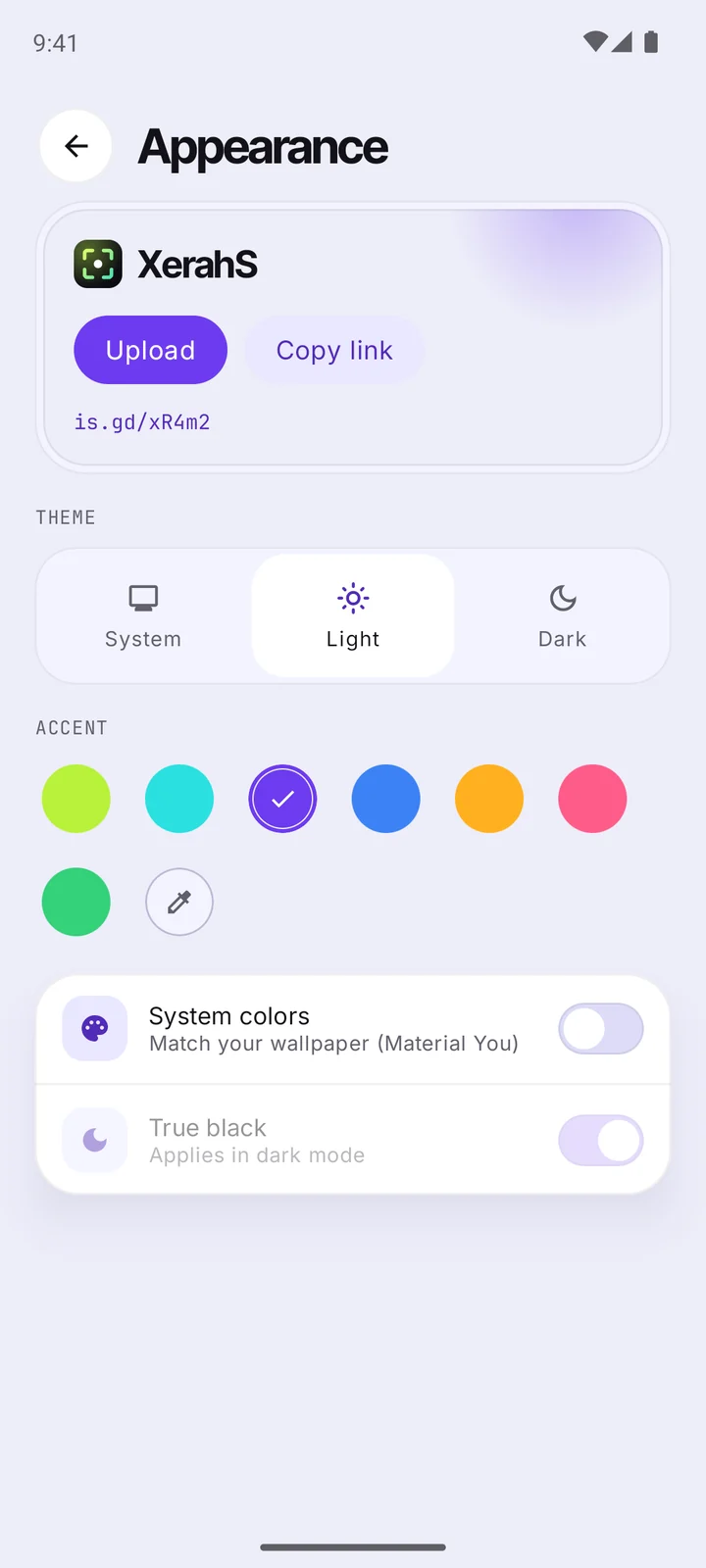
Pick an accent and the whole app retints with it, backgrounds and cards included. Every color goes through a contrast check, so text stays readable in light and dark. Prefer your wallpaper colors? Turn on Material You. On an OLED screen, true black is one switch away.

Changelog

What's new

Pulled live from GitHub Releases.

Loading releases…

All releases on GitHub

Get XerahS

It isn't on the Play Store yet, so it comes as an APK from GitHub. New versions show up in the app under Settings, Updates.

Download v0.6.0
  1. 1Download the APK on your phone.
  2. 2Open it. If Android asks, allow installs from your browser.
  3. 3Pick where uploads go, and you're set.

Still early, so expect the odd rough edge. Bug reports are welcome on GitHub Issues.